Restyling building levels
When modifying the structure of a building, you can maintain the overall level configuration while replacing its components, materials, and subsidiary elements with those of a different architectural style.
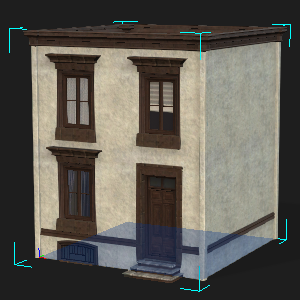
- Load an existing building or use the New Building panel to create one.
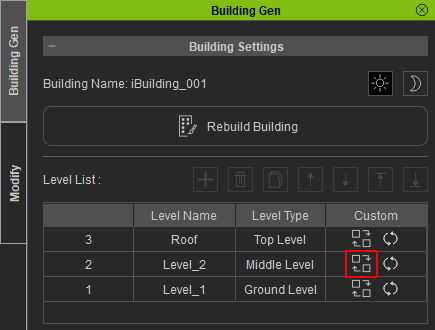
- Select the building and launch BuildingGen. In the Level List, choose the floor you would like to edit and click the Rebuild icon.
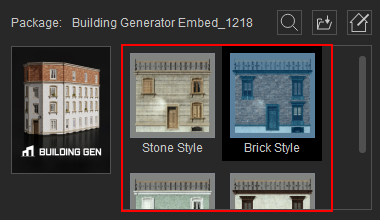
- Select an architectural style to substitute the existing components, materials, and subsidiary elements of the chosen level.
- Activate the Keep Structure checkbox to preserve the structure of the chosen level.

- Click the Rebuild button to reconstruct the building.

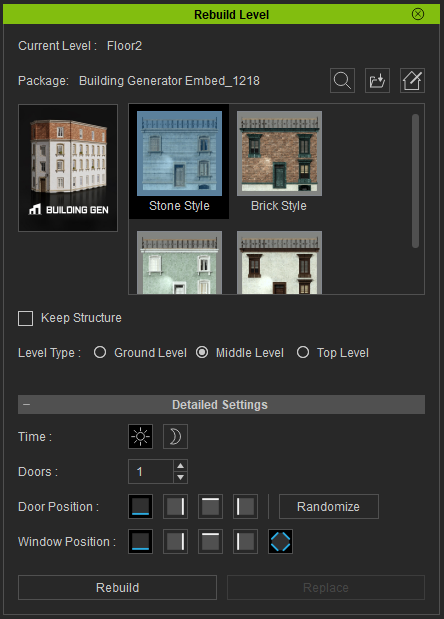
Upon activating the Rebuild Level panel, the Current Level field will display the name of the selected level.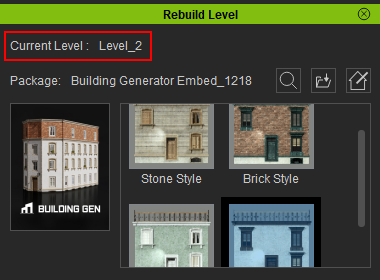
 Note:
Note:
To import a building style from another source, click the Search Smart Gallery and Load iBuildingConfig icons  .
.
Note:
Activating the Keep Structure feature disables the Level Type and Detailed Settings below, maintaining the existing level structure.
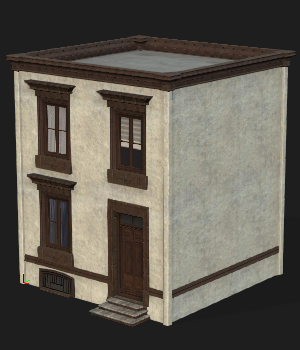
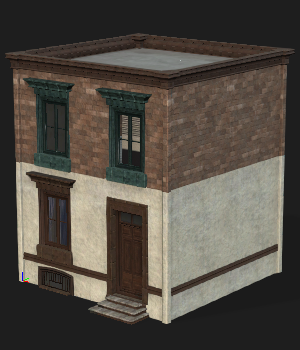
The resulting level will have the selected style applied, while maintaining the level’s original structure.
|
|
|
The original building levels. |
The same building with a different style applied for the second level. |
